Dungeon Maze2
| Category | Dungeons |
| Theme | Other |
| Size | Large |
| File Format | .litematic |
| Submitted by | Raistlin73 |
| Posted on | January 26th, 2023 06:54 AM EST |
| Download(s) | Has been downloaded 490 times |
Options
Dimensions
Length 133 Width 127 Height 14 67139 blocksDescription
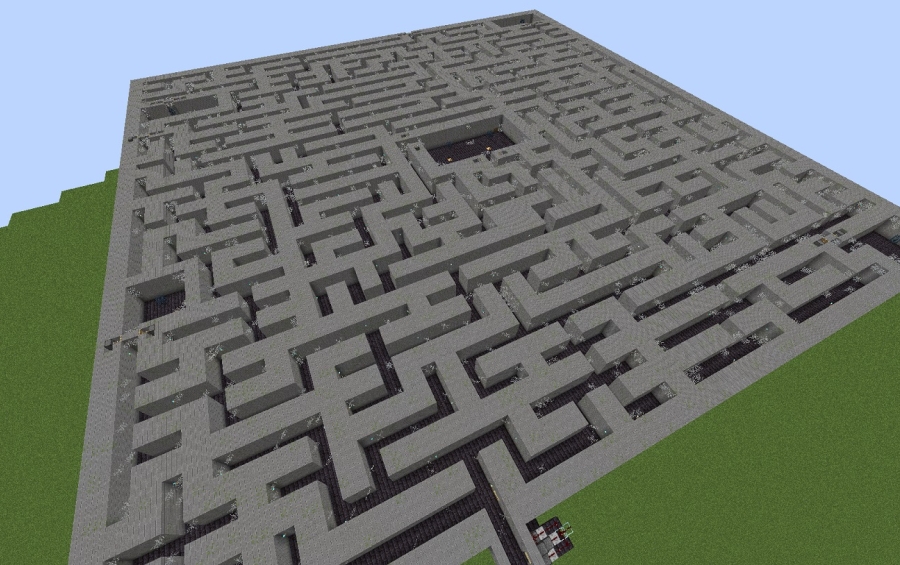
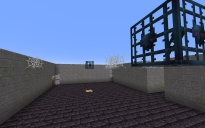
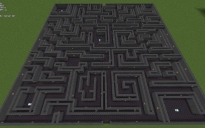
This is my second attempt at a dungeon maze. This one is only 2m wide pathing and 4m tall walls.
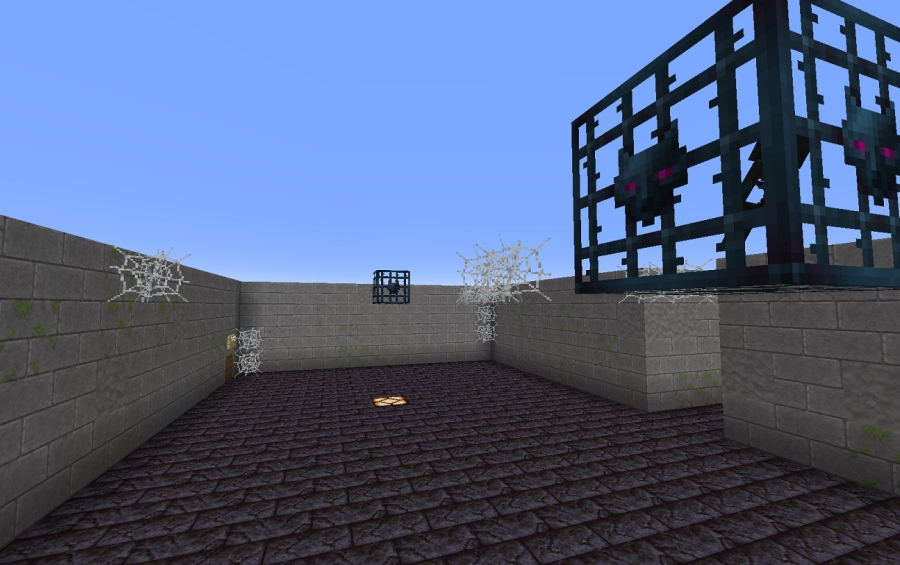
It has 5 spawners, 1 infinity room trap, 1 lava trap. You need to deposit 1 item in the barrel in at least 2 rooms for the exit to open. Hunt down the buttons to open the spawner rooms.
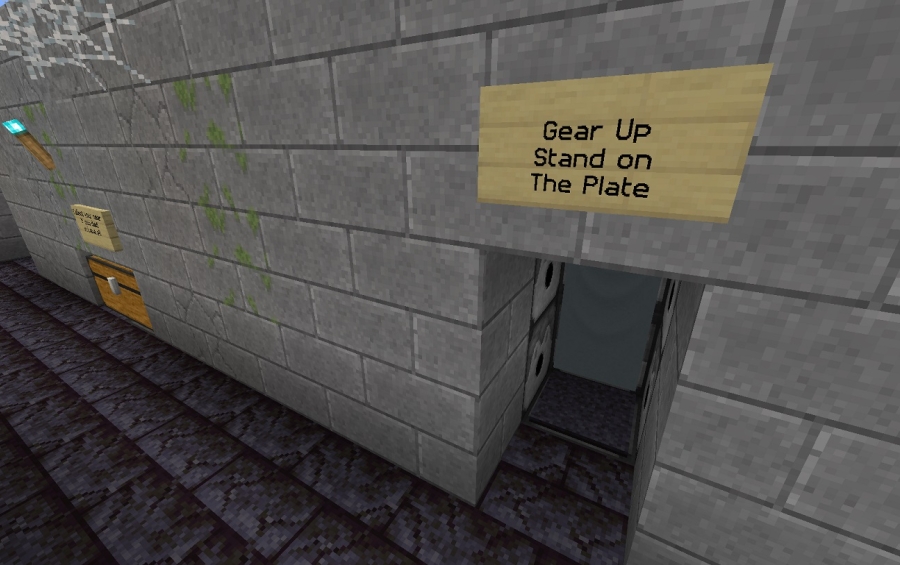
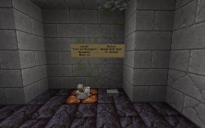
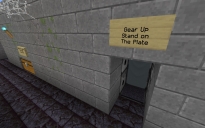
You can step on the plate at the entrance to gear you out for the run and just a little further in is a chest to retrieve your items if you died in the lava trap.
There is no loot chests in this one you will a have to add your own if you like.
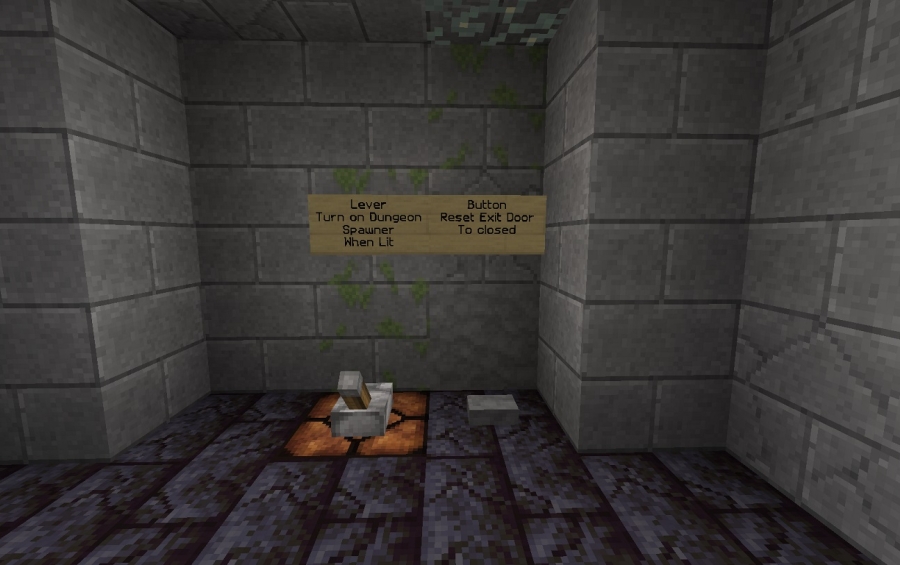
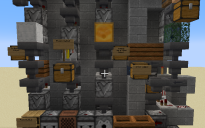
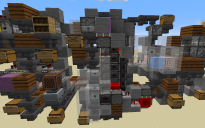
There is also controls on the front of the maze to turn on and off the Spawners as well as a button to reset the exit door.
Have fun and enjoy. Feel free to leave feedback. negative or positive so i know what i am doing right or wrong.
Other Creations From Raistlin73
Comments (5)
| Does the dropper->dropper->hopper mechanism still work in current versions? The item I put in the top dropper keeps ending up in the bottom dropper attached to the hopper and then never leaving. It changes slots when triggered, so it seems to be moving, but the comparator never fires (or it happens so fast as to be undetectable). |
by dgtlshdw on October 23rd, 2025 07:31 PM EST Reply |
|
I think the one you are talking about is the T Flip Flop used for the doors. when you press the button it should open the doors nearby. These still work in the latest version yes. The item should be in the bottom dropper. When the button is pushed it is then sent to the top dropper which disables the comparator on the bottom and then enable the comparator on top. Clicking the button again will send the item to the hopper which then flows to the bottom dropper again. I have tested in 1.21.10 Vanilla and Fabric and working fine. If you want you can remove that system and install the new copper bulb and comparator which is a lot smaller T Flip Flop. |
by Raistlin73 on October 23rd, 2025 07:52 PM EST Reply |
|
Thanks for responding! Yes, exactly; one of the T flip-flops in a wall was giving me problems, but I never did nail down exactly why. TPS seemed fine, but the item did occasionally fly over the hopper. Most of the time it just seemed to cycle immediately without triggering the comparator or being visible at all. It was designed slightly differently from the ones under the floors by a block or two, so I used that design instead and everything works reliably now. Thanks for making this available! |
by dgtlshdw on October 26th, 2025 01:47 PM EST Reply |
| So I downloaded this, and I just finished the redstone layers, and am starting the main floor. You have no signs anywhere telling us what to put in any hoppers that will trigger the observers. The items inside of hoppers or droppers don't transfer over with the schematic. I hope you answer me, so I can have this maze on my server. |
by Maveric215 on December 12th, 2023 06:42 AM EST Reply |
|
Hi Maveric215, The signs were set on top of the barrels. you can add a note to them to what needs to drop into the barrel. There is no item filter for the hoppers. I left it so any item can be dropped in. If you like you can make a simple item filter to set any specific item you need to trigger the exit to open. Here is a pic of a simple item filter you can add to the hopperhttps://ibb.co/tC0p1xP Please make sure you add the Redstone torch under the hopper on the block in front of the repeater. This will lock the hipper filter. also note there is a second comparator to stop bud powering of the piston. In the hopper add the below slot 1: 3 of the items you want to set as the key slot 2: 1 filler item. (Best to rename an item) slot 3: 6 filter items slot 4: 6 filter items slot 5: 6 filter items Hope this helps. let me know if you have further issues. |
by Raistlin73 on December 12th, 2023 06:24 PM EST Reply |