Potions Laboratory
Options
Description
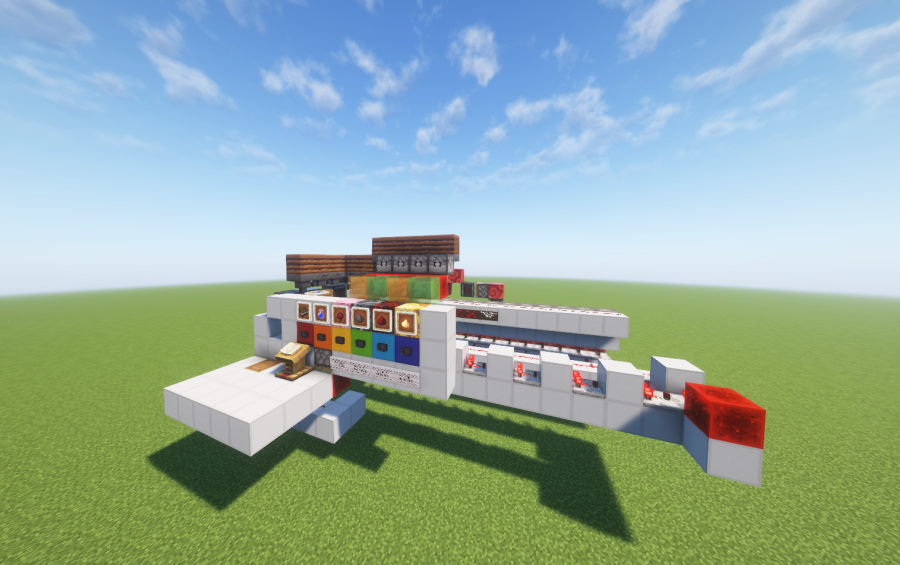
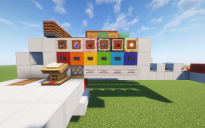
This creation is a semi-automatic potion laboratory system designed for Minecraft, focused on organization, interaction, and ease of use.
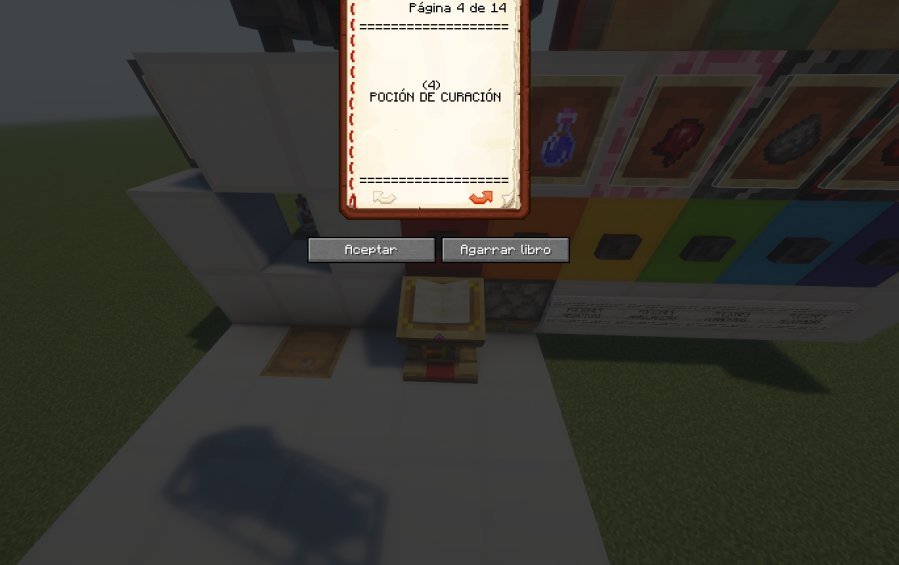
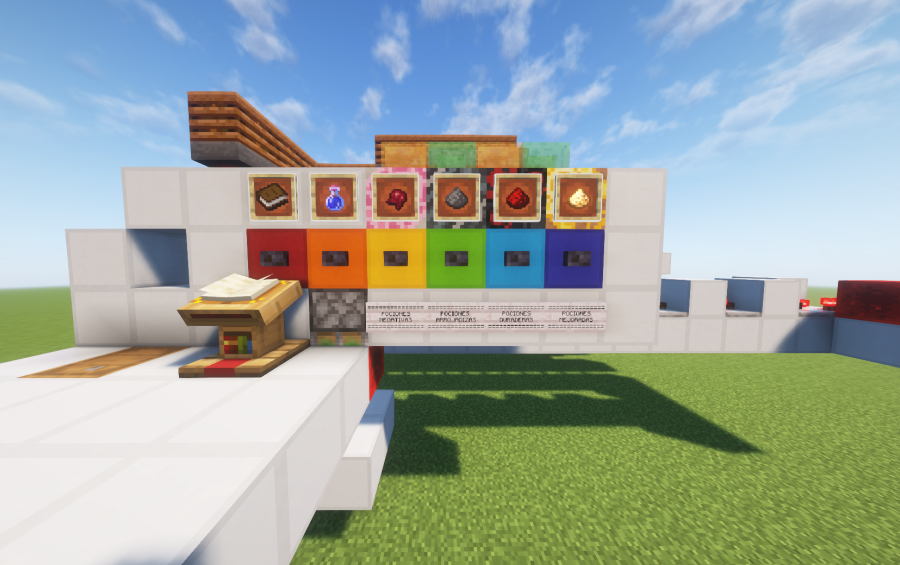
The system is based on an interactive book interface, where each page represents a different potion. By selecting a page, the player can clearly identify the potion type and activate the corresponding brewing process. This makes the system intuitive, educational, and fun to use, even for players who are not experts in brewing mechanics.
The laboratory is designed to be semi-automatic, allowing controlled brewing while keeping the player involved in the process. The visual layout, item frames, and redstone logic work together to create an engaging and dynamic experience rather than a fully passive machine.
Currently, there is one minor detail still under development: the potion draining system. The brewing and selection logic works correctly, but the drainage can be optimized. Any suggestions or improvements from the community are more than welcome.
This system was created based on reference photos published on the YouTube channel “Rubik”, which served as inspiration for the overall concept and layout. All redstone logic, structure adaptation, and final implementation were built independently.
You can find more of my creations and updates on TikTok: @soyirojas.
Long live Argentina 🇦🇷
Comments (8)
| Page 14 isn't working—why? |
by picotoupie on September 2nd, 2026 05:30 AM EST Reply |
|
could u pls make a vid on how to use this |
by RickyROck on March 28th, 2026 09:39 PM EST Reply |
| vamos argentina carajo tierra de messi el mate los churros el asado el dulce de leche y los alfajores |
by thaiii on January 31st, 2026 02:35 PM EST Reply |
| Aguante argentina papá! la voy hacer |
by tamariuri on January 15th, 2026 11:07 PM EST Reply |
| en que version? |
by TabrisScott on January 13th, 2026 01:18 PM EST Reply |
|
Lo hice en 1.21.7! |
by SoyRojas on January 13th, 2026 02:11 PM EST Reply |
|
me to funguje aji na verzi 1.21 |
by ajdamecmc on January 24th, 2026 05:24 AM EST Reply |
|
Additional note: Some potions are not included directly in the book, because they are negative potions that are created by modifying existing positive potions using a Fermented Spider Eye. For example, if you want to obtain a Potion of Slowness, you must first brew a Potion of Swiftness and then press the Fermented Spider Eye button to convert it into its negative version. All of these interactions are clearly explained using signs inside the system, so the process remains simple and easy to understand. Negative potions include: Slowness, Weakness, Harming. |
by SoyRojas on January 6th, 2026 07:26 PM EST Reply |